
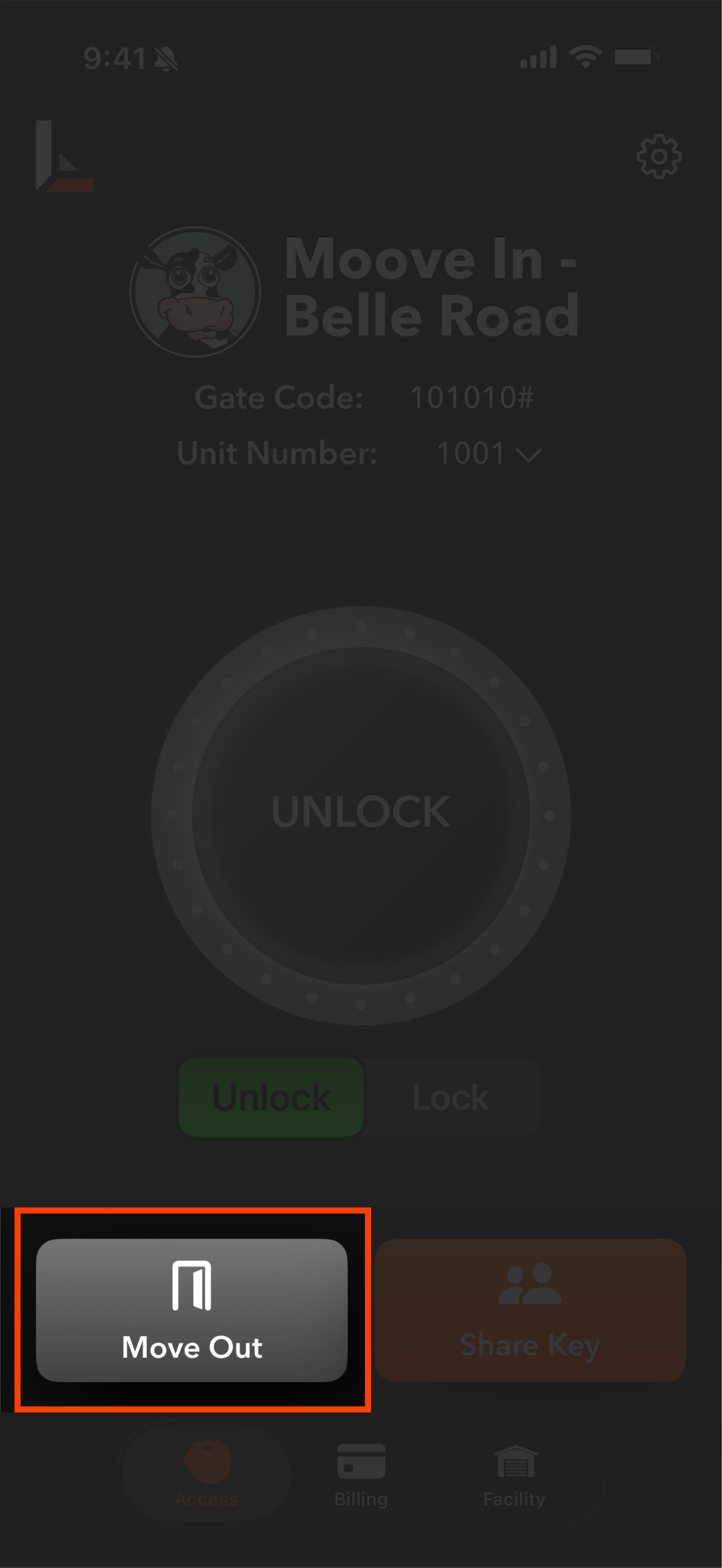
Pressing Move Out on the Access screen will send you to the move out section. Please note your unit number at the top is the unit you are choosing to move out of. If you have multiple units, make sure you've toggled the correct unit back in the access screen before selecting move out. Also make sure prior to beginning the move out that your lock is unlocked and your unit is open - you'll be prompted to take pictures and lock your lock during the process.
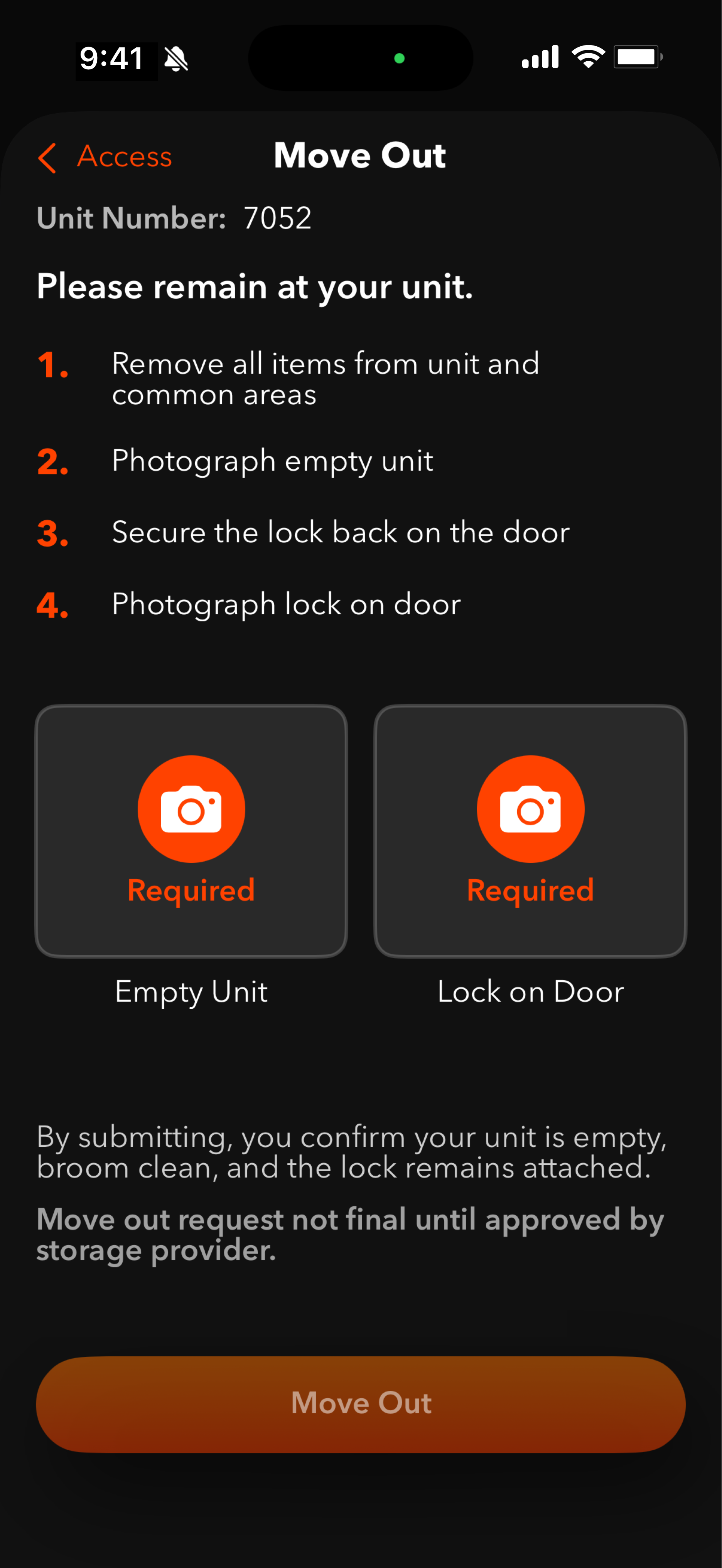
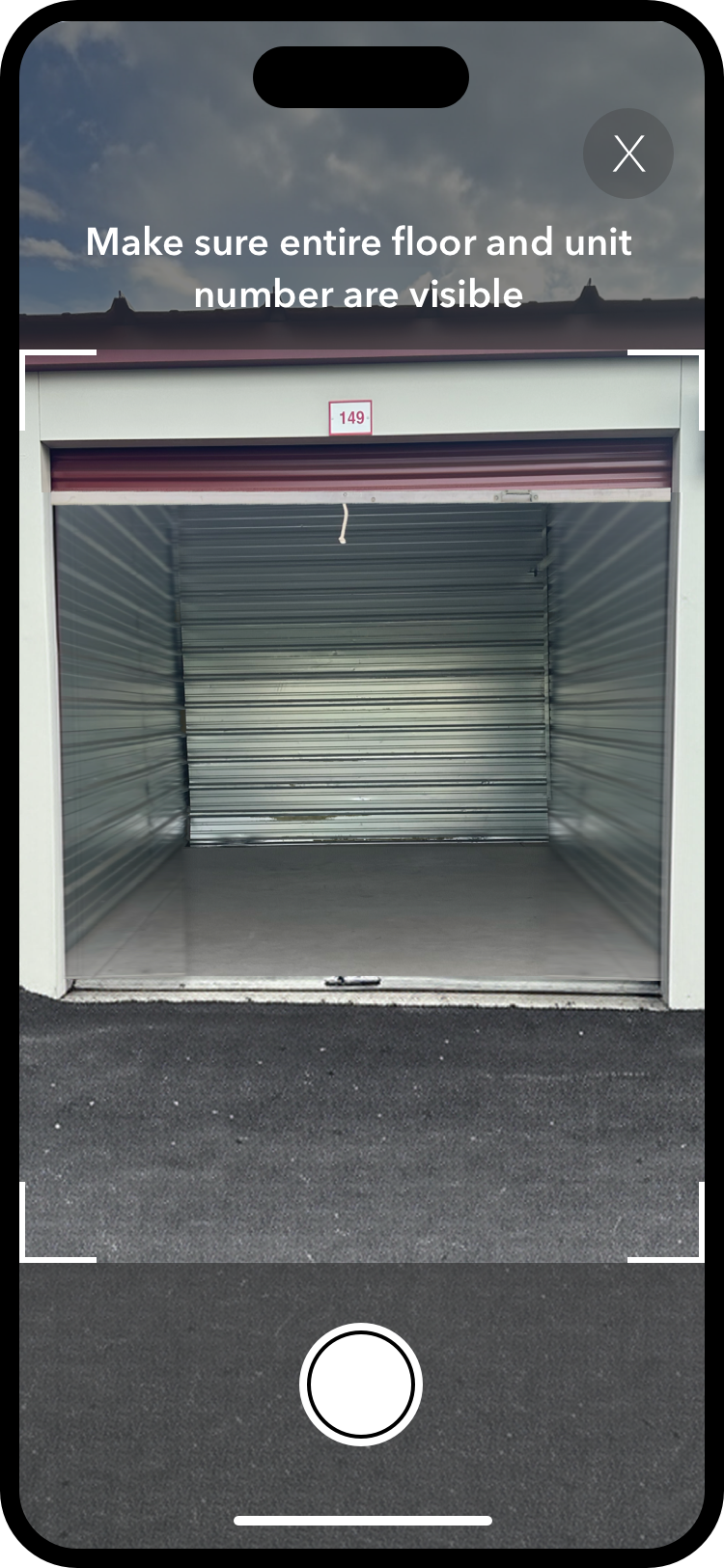
After selecting move out, take a picture of your cleaned-out, empty unit.
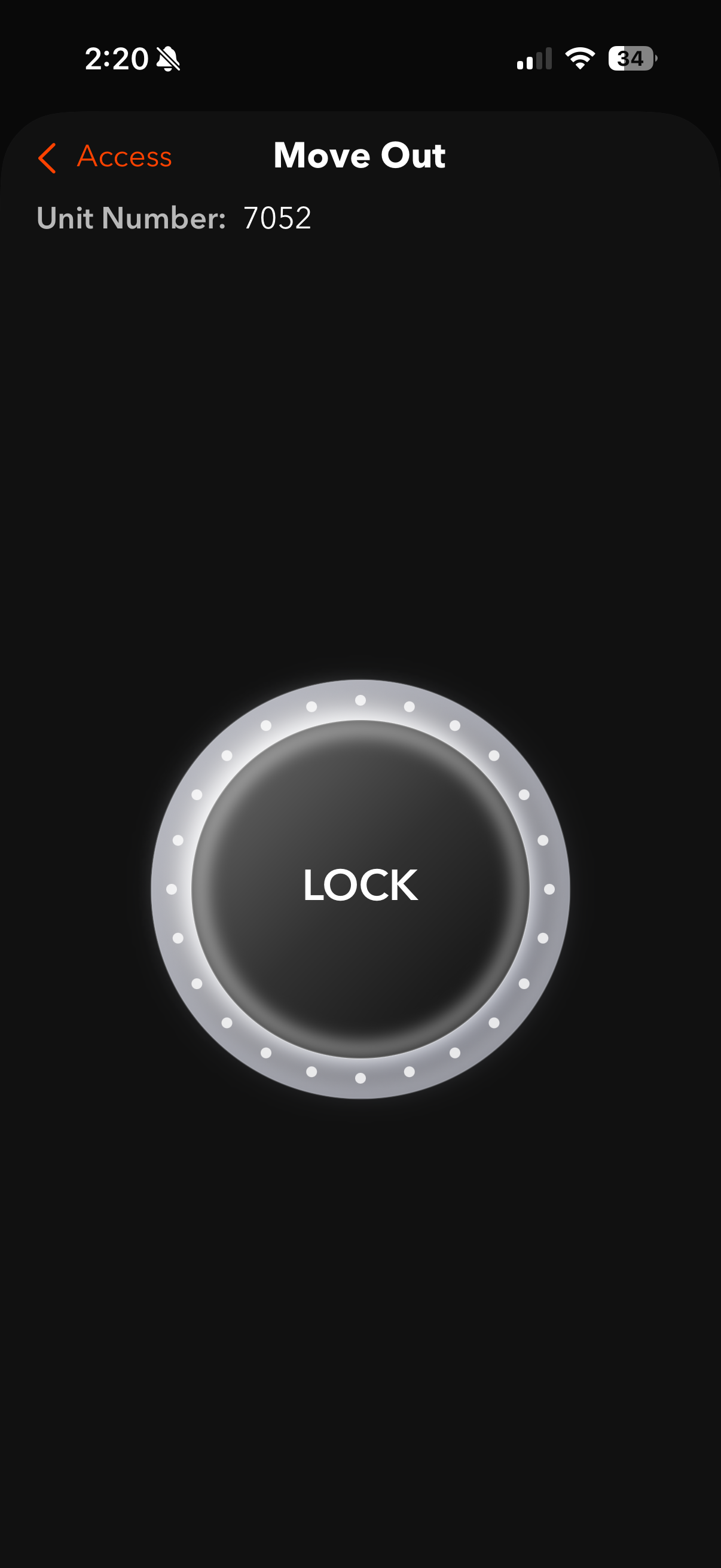
Next, you'll be prompted to lock your lock back on the door. Press Lock and follow the scanning steps to lock your lock, ensuring you secure it back on the latch.
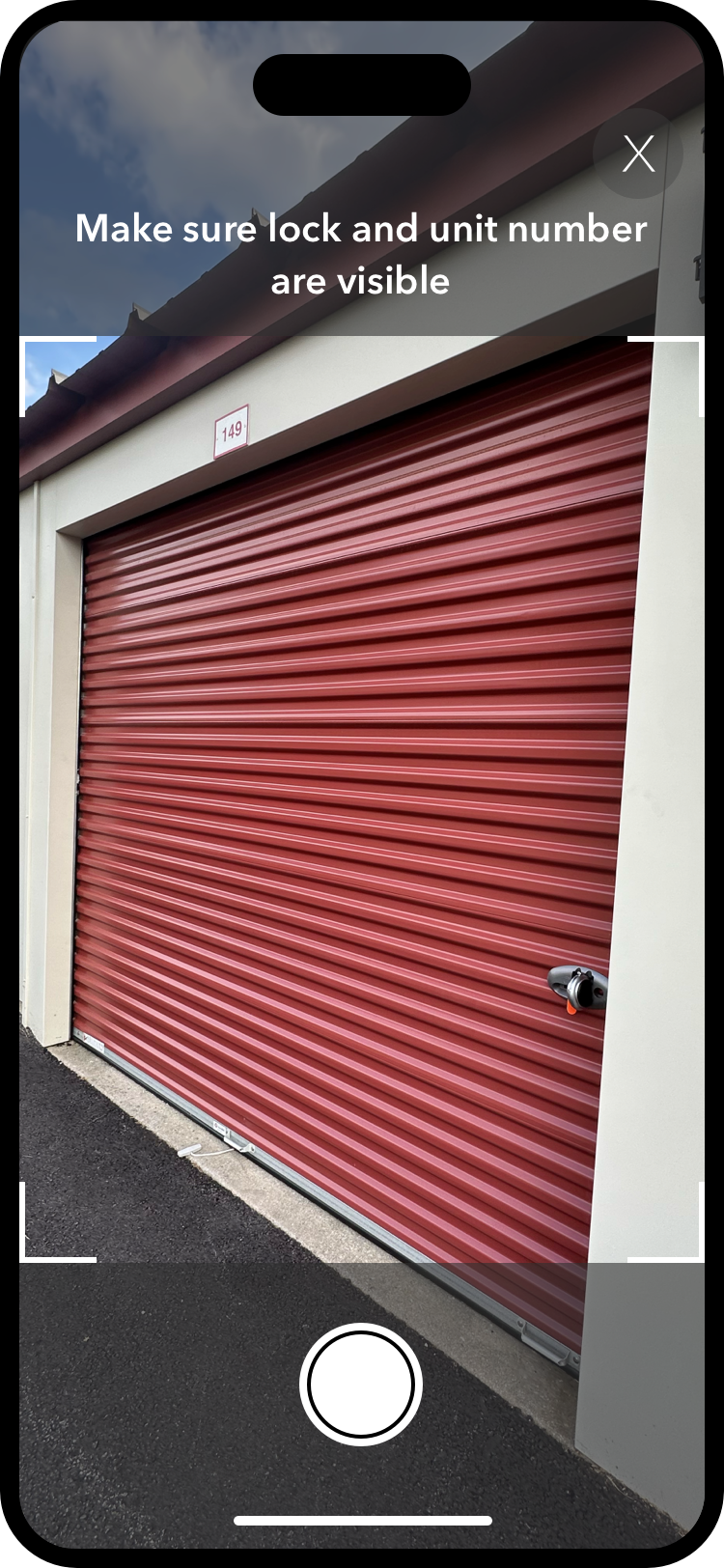
You'll then be prompted to take a picture of the lock back on the door. Ensure both the lock and unit number are visible in your picture.
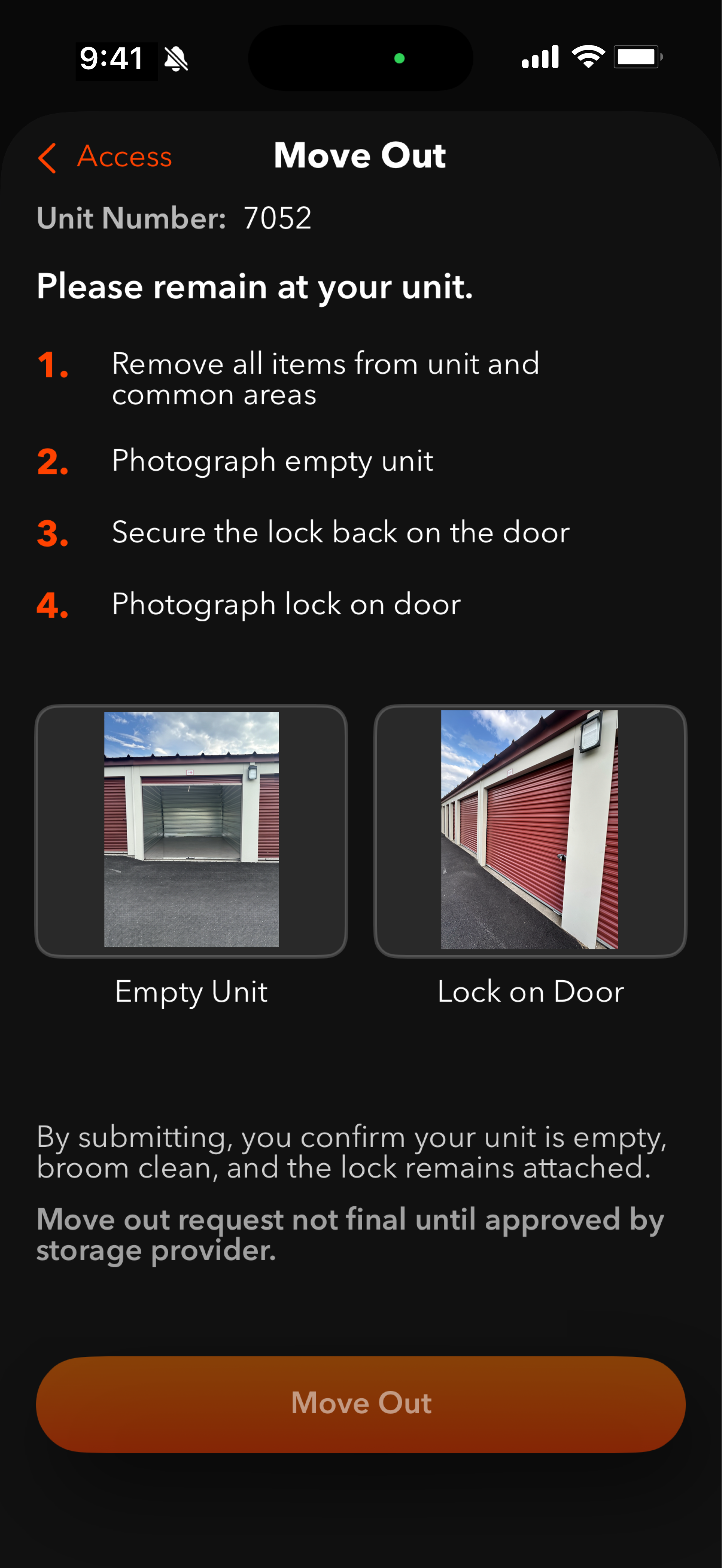
Finally, submit your move out request. Your unit access will be immediately revoked once you complete this submission. Please note that the move out is not finalized until approved by your storage provider, who will at that point send you a receipt and confirmation. If you've completed this accidentally or wish to continue your rental after this step, please contact your facility.